1. Create Your Account
Create your Moralis account by visiting the Moralis Dashboard.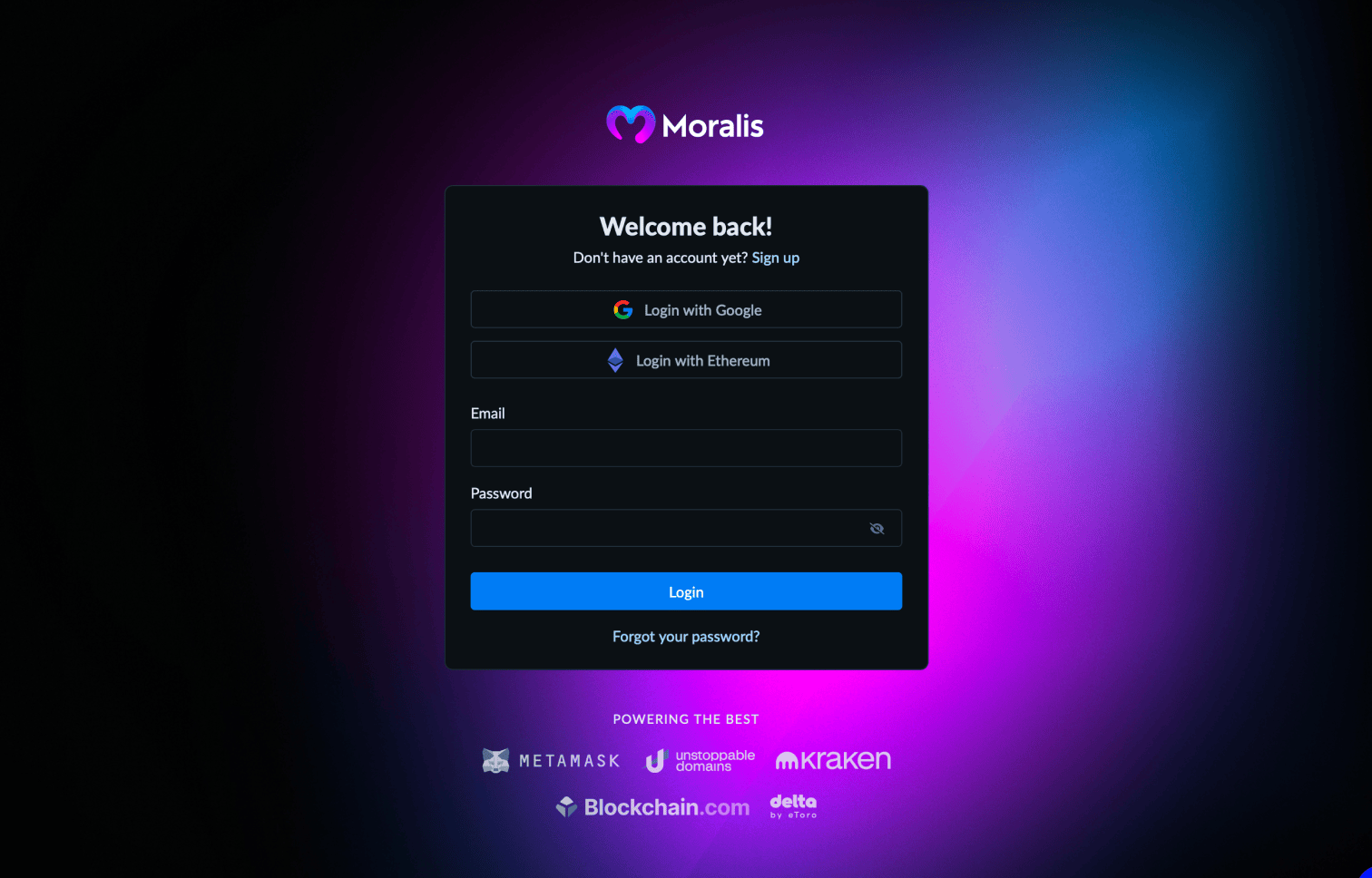
2. Navigate to Data APIs
Once registered, navigate to the Data APIs section in the dashboard.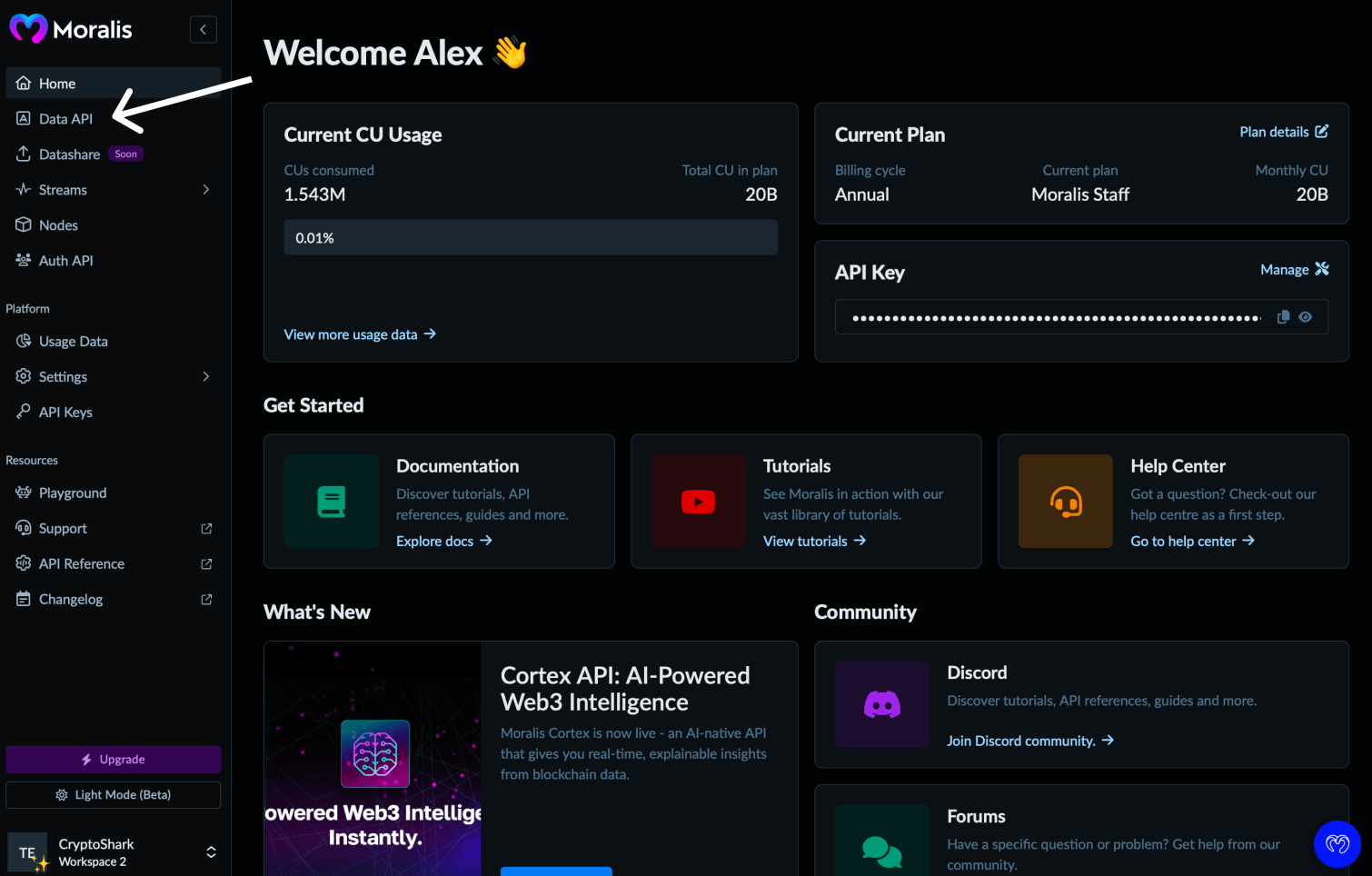
3. Copy Your API Key
Click the copy icon next to your API key to add it to your clipboard.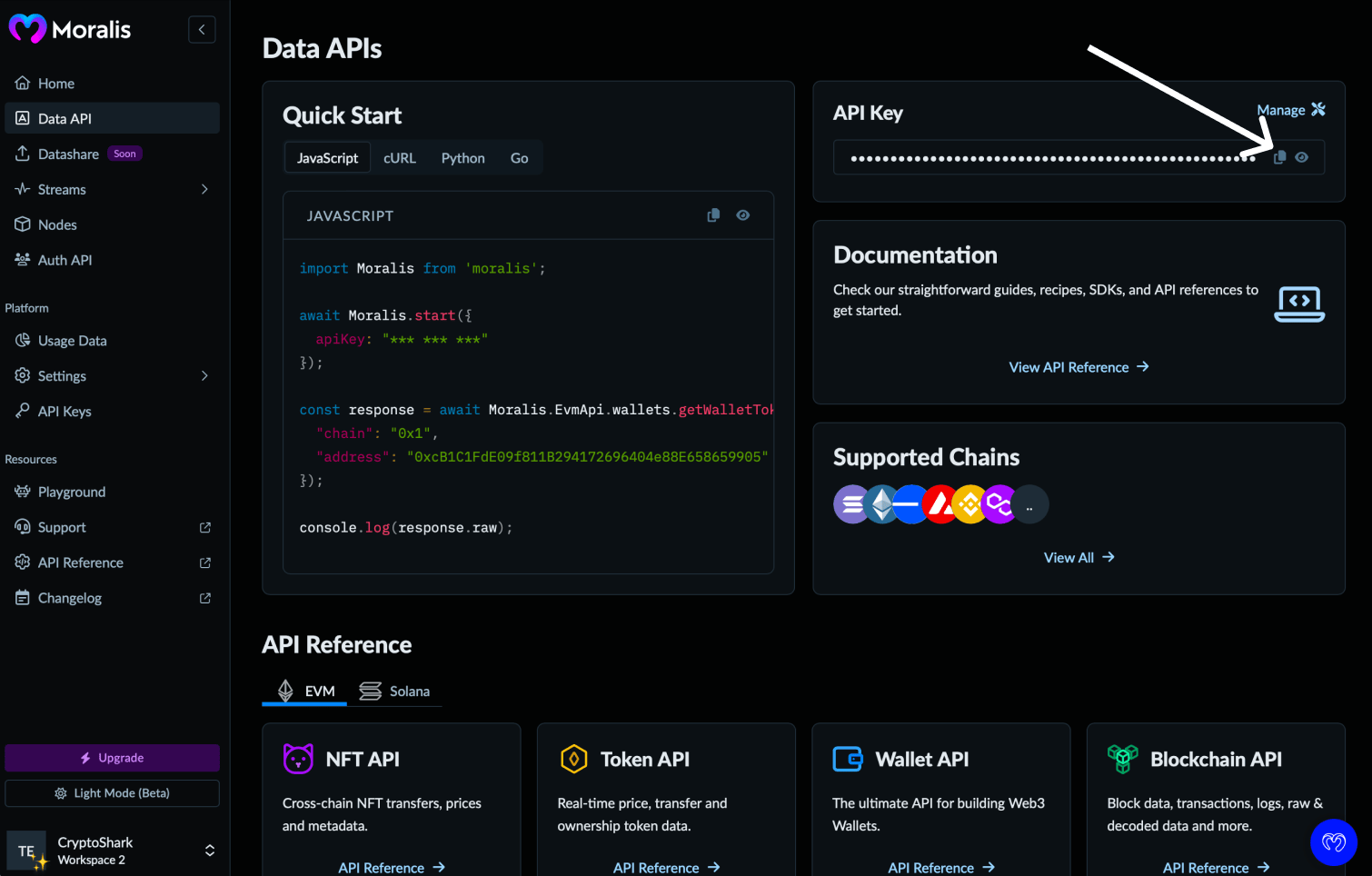
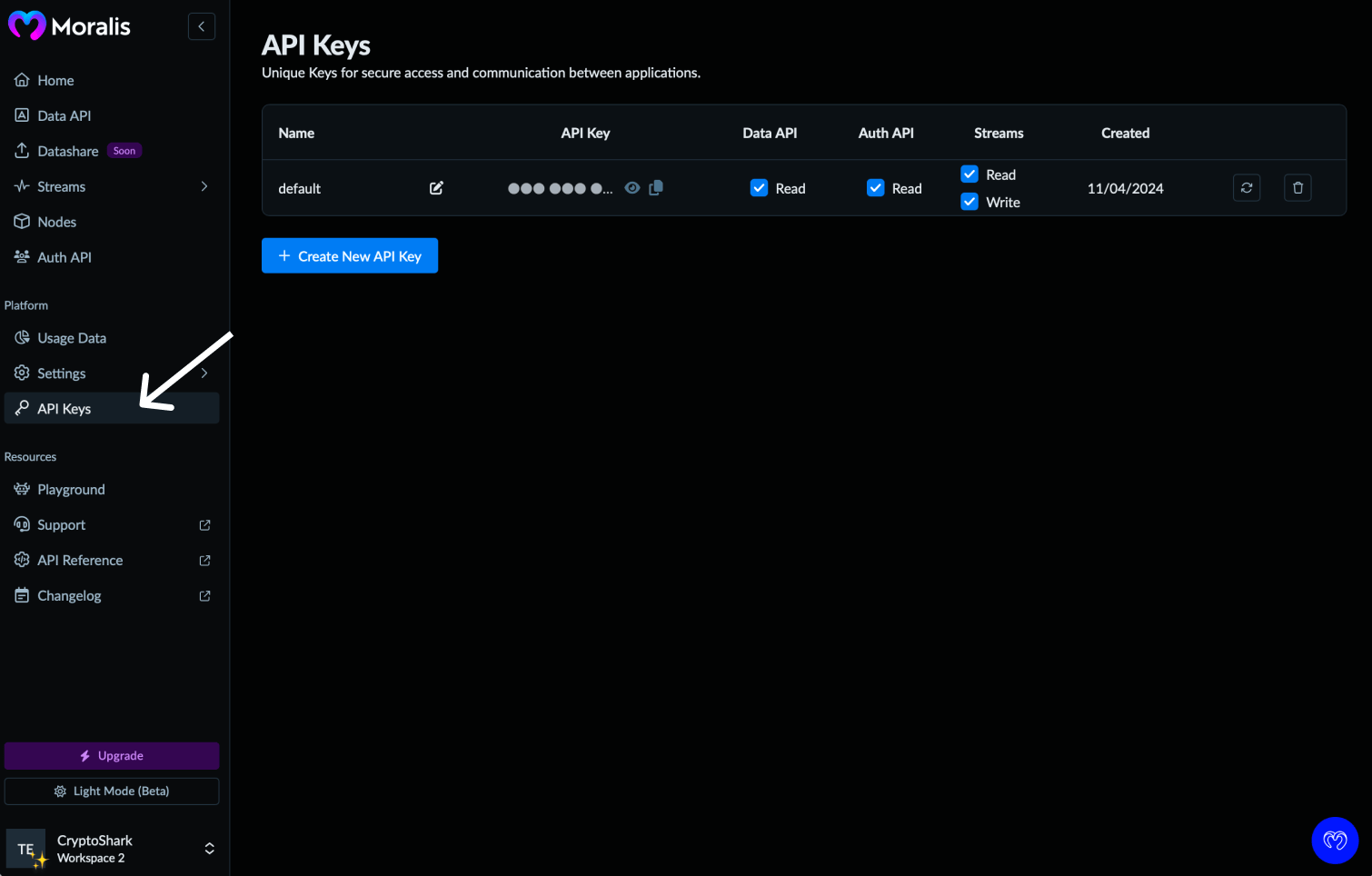
4. Manage API keys (optional)
You can also manage your keys from the API Keys section - including creating new keys or rotating existing ones.