> ## Documentation Index
> Fetch the complete documentation index at: https://docs.moralis.com/llms.txt
> Use this file to discover all available pages before exploring further.
# Get Your API Key
> Learn how to get your Moralis API Key
To start using Moralis products, you’ll need an API key to authenticate your requests.
Follow this quick guide to create your account and retrieve your API key- then you'll be ready to make your [first request](/data-api/first-request).
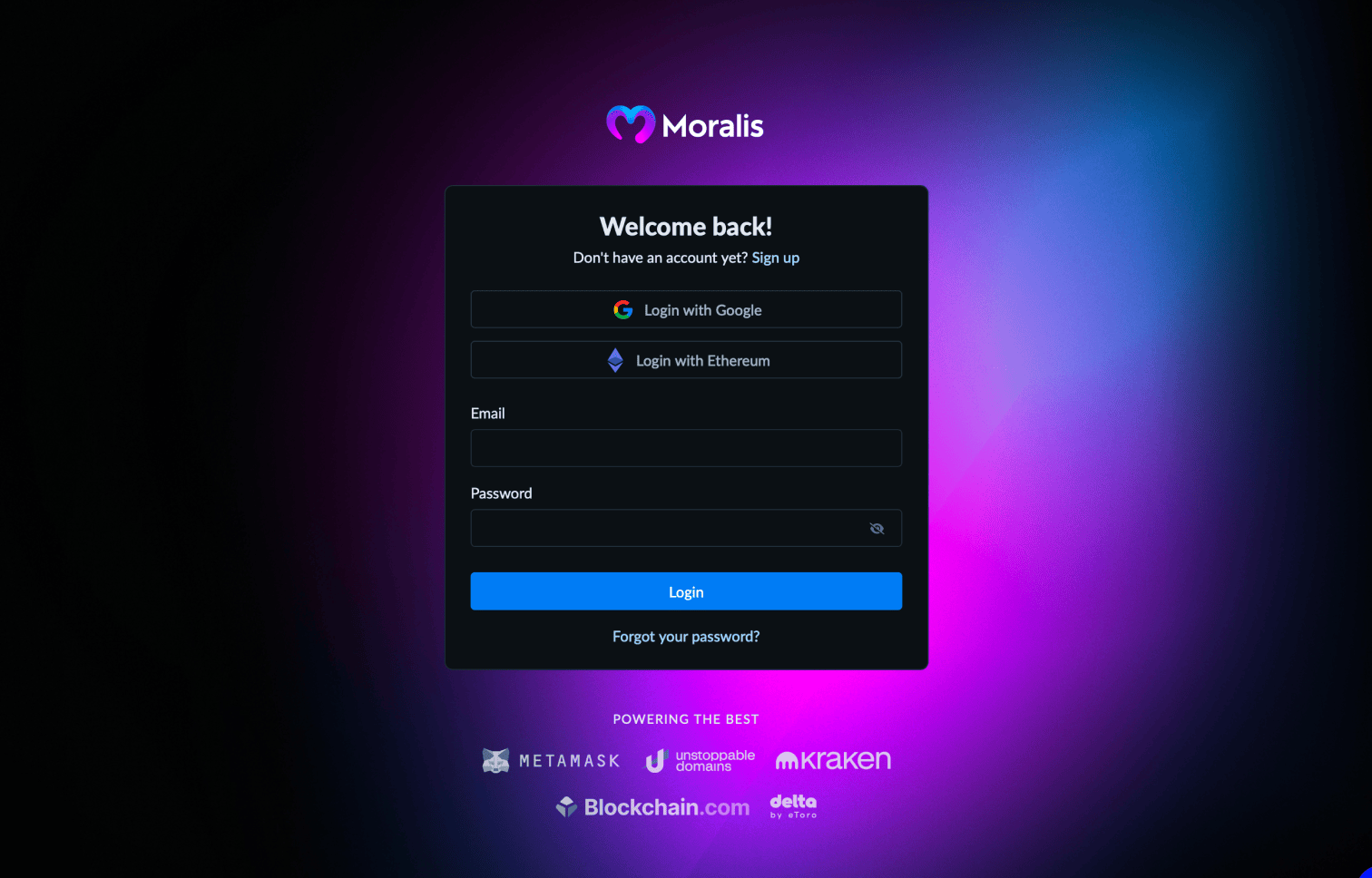
## 1. Create Your Account
Sign up for a **free Moralis account** by visiting the [Moralis Dashboard](https://admin.moralis.com/register).
 ## 2. Navigate to Data APIs
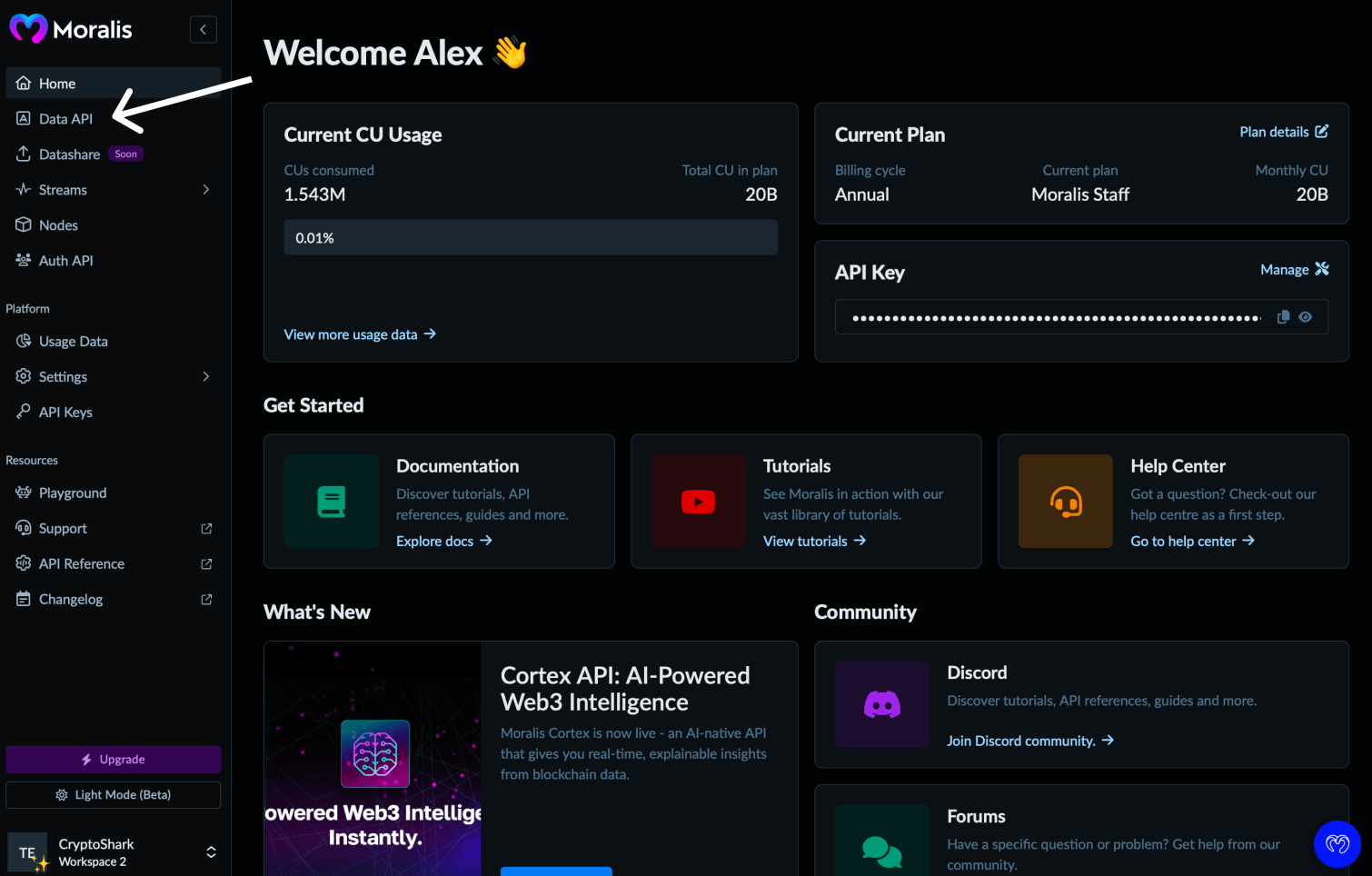
Once registered, navigate to the [Data APIs section](https://admin.moralis.com/data-api) in the dashboard.
## 2. Navigate to Data APIs
Once registered, navigate to the [Data APIs section](https://admin.moralis.com/data-api) in the dashboard.
 ## 3. Copy Your API Key
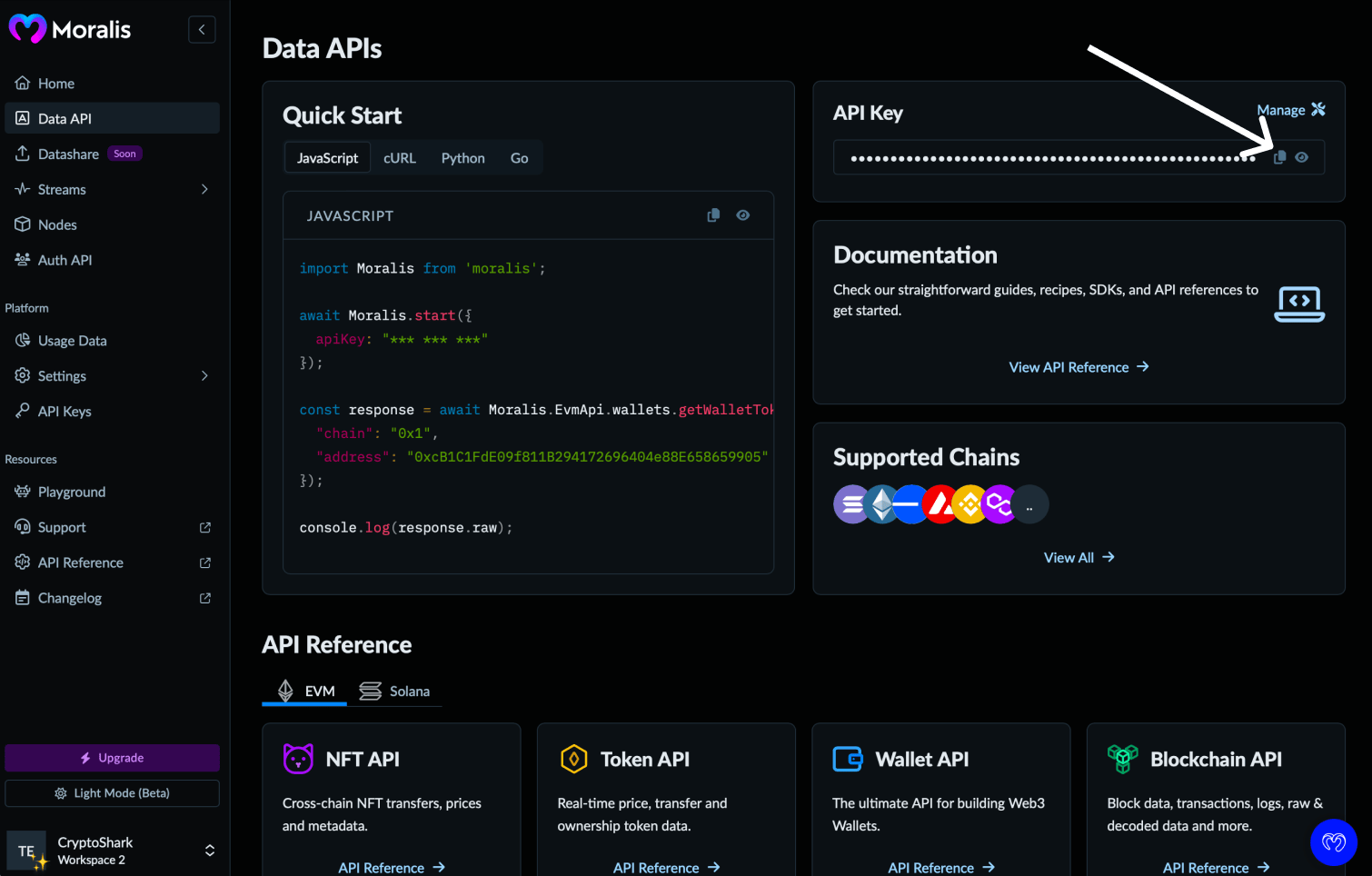
Click the **copy** icon next to your API key to add it to your clipboard.
## 3. Copy Your API Key
Click the **copy** icon next to your API key to add it to your clipboard.
 ## 4. Manage API keys (optional)
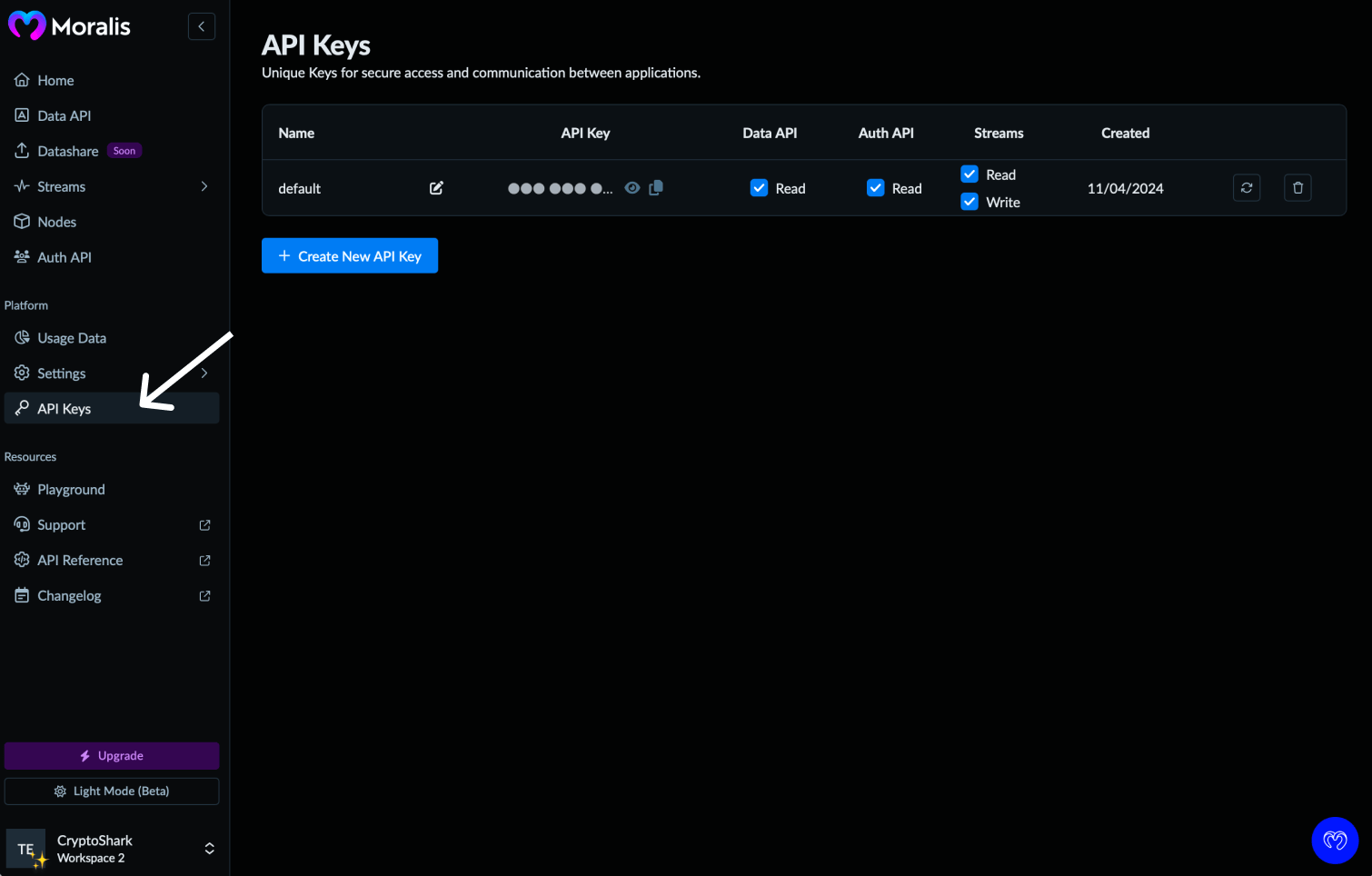
You can also manage your keys from the **API Keys** section - including creating new keys or rotating existing ones.
## 4. Manage API keys (optional)
You can also manage your keys from the **API Keys** section - including creating new keys or rotating existing ones.
 That's it - you're now ready to make your [first API request](/data-api/first-request)